Web Accessibility Basics for Everyone
Accessibility is not an edge case. It's the baseline. Semantic HTML gets you 80% of the way there. If you use a <button> instead of a <div onClick>, you get keyboard navigation and screen reader support for free.
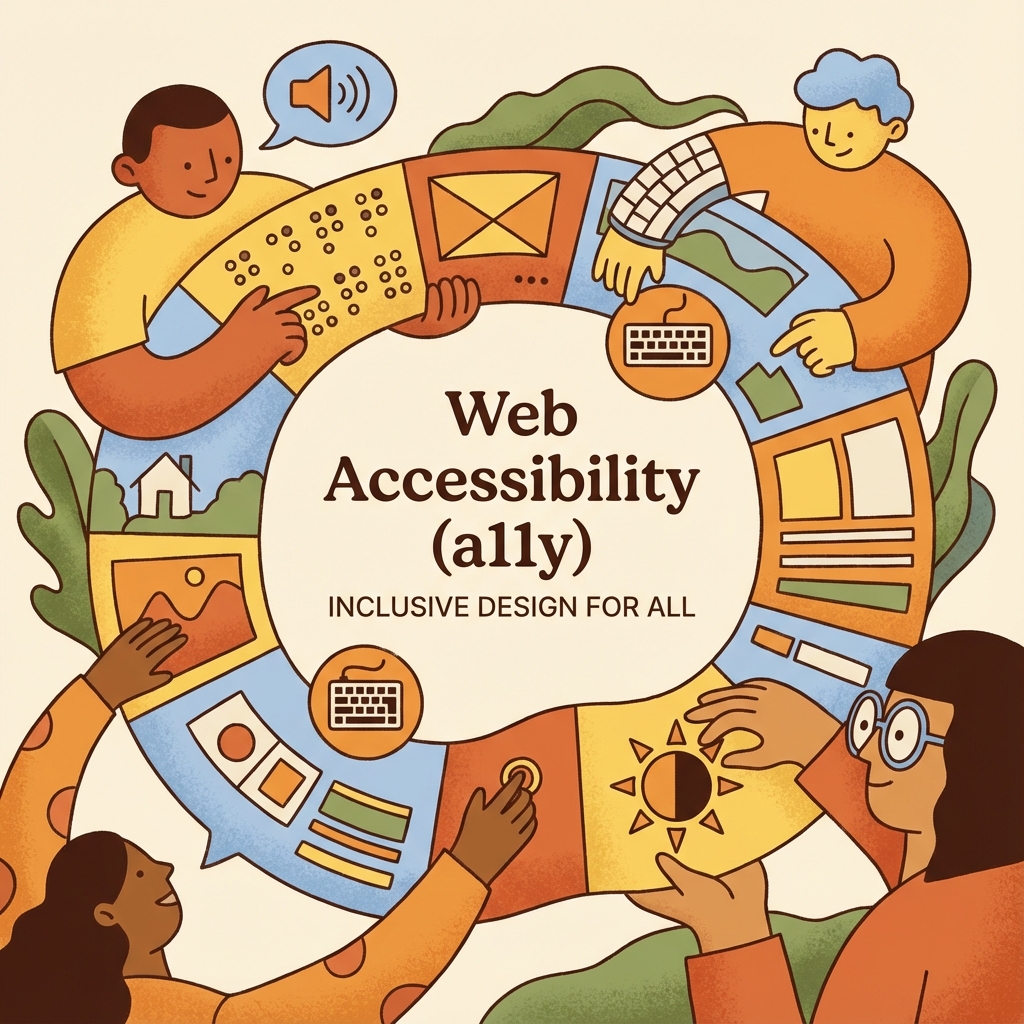
The Baseline of the Web
Sir Tim Berners - Lee said, "The power of the Web is in its universality. Access by everyone regardless of disability is an essential aspect."
Accessibility(a11y) is often treated as a "Phase 2" task.It never happens.But building accessible sites isn't just about altruism; it's about good craftsmanship.Accessible sites are more robust, performant, and SEO - friendly.
Semantic HTML: The 80 % Win
The easiest way to be accessible is to use the platform.HTML elements have built -in accessibility.
- Buttons:
<button>handles ENTER and SPACE keys automatically.& lt;lt; div & gt;gt;does not. - Links:
<a>handles routing.Don't use buttons for navigation. - Inputs: Always associate a
<label>with an input viafor/id.
If you re - implement a button using a div, you have to implement focus styles, keypress listeners, and ARIA roles.Just use the button.
The First Rule of ARIA
The first rule of ARIA(Accessible Rich Internet Applications) is: Don't use ARIA. If a native element exists, use it. ARIA is a bridge for complex custom controls (like a Tabs component or a Combobox). It should not be used to patch bad HTML.
Focus Management
In Single Page Apps(React / Vue), focus management is the #1 failing.When you navigate to a new route, the focus often stays on the body or the previous link.This disorients screen reader users.
Solution: When the route changes, move focus to the specific page content wrapper (H1 or a main div with tabindex="-1").
The Curb Cut Effect
Features designed for people with disabilities often help everyone.
- Closed Captions: Essential for the deaf; useful for everyone in a noisy bar or quiet library.
- High Contrast: Essential for low vision; useful for everyone using a phone in bright sunlight.
- Keyboard Nav: Essential for motor impairments; useful for power users who hate the mouse.
Automated vs.Manual Testing
Tools like Lighthouse and Axe are great.They catch 30 - 50 % of issues(missing alt text, bad contrast).But they cannot catch usability issues.You explicitly have to navigate your site using ONLY the TAB key.If you can't reach a button, neither can millions of users.
Conclusion
Accessibility is a journey, not a destination.You won't be perfect on day one. But if you shift your mindset from "compliance" to "usability," you build a better web for everyone.