Designing for Dark Mode
Dark mode isn't just inverting colors. It's about contrast, elevation, and visual comfort in low - light environments.Pure black(#000000) is often a bad choice for backgrounds because it causes "smearing" on OLED screens and high strain on the eyes.
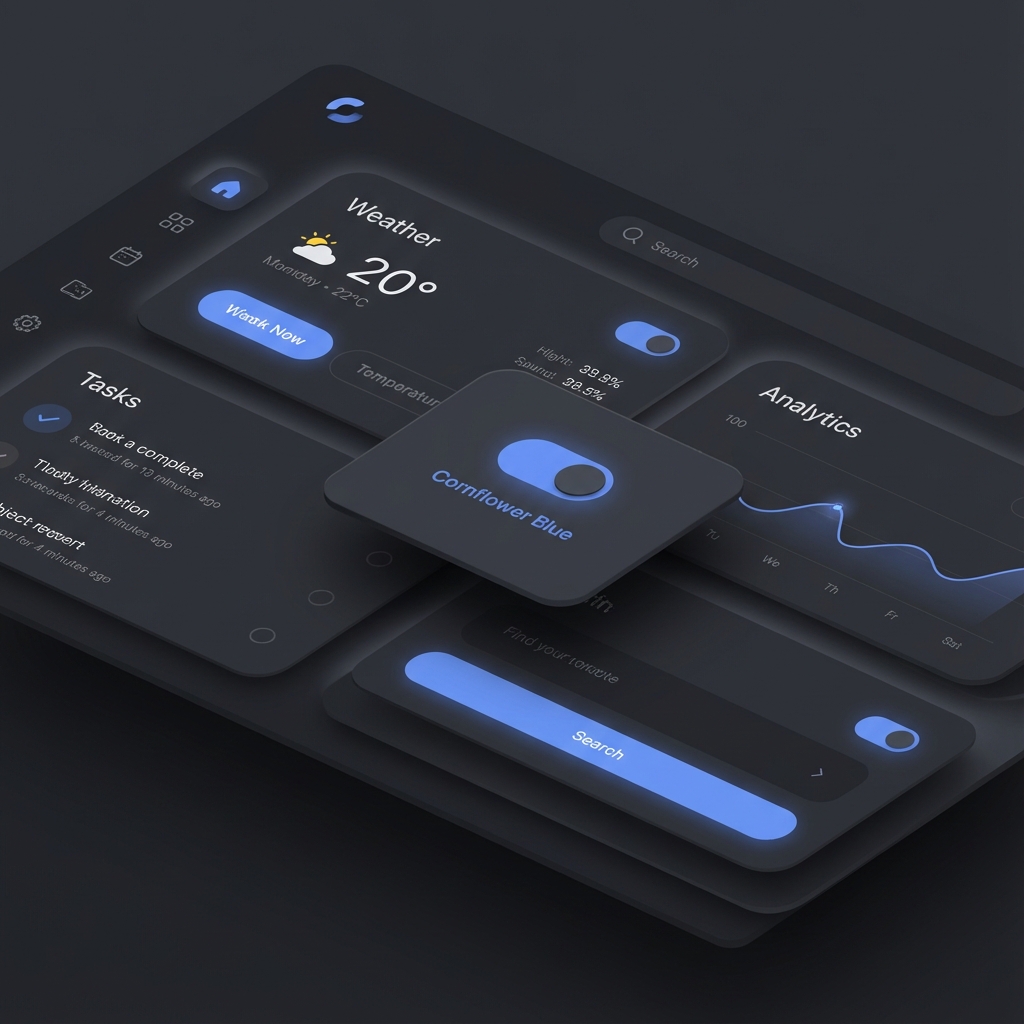
The Science of "Pure Black"
Do not use #000000.
Pure black on OLED screens turns pixels completely off.This saves battery, but it causes "black smear" when scrolling.It also creates extreme contrast with white text, causing "halation"(fuzzy glowing text) for users with astigmatism.
Use Dark Grey(#121212) instead.
This reduces eye strain, eliminates smearing, and allows you to use shadows(black shadows are visible on grey, but not on black).
Depth and Elevation
In Light Mode, we use Shadows to show depth.
In Dark Mode, shadows are barely visible.We use Lightness (Opacity overlays) to show depth.
- Level 0(Background): #121212 (0% overlay)
- Level 1(Card): #1E1E1E (5% white overlay)
- Level 2(Modal): #232323 (8% white overlay)
The closer the surface is to the "light source"(the user), the lighter it becomes.
Color Desaturation
Saturated colors vibrate on dark backgrounds.They fail WCAG accessibility standards continuously.
The Fix: Use pastels. Take your brand blue (e.g., blue-600) and lighten / desaturate it to blue - 300 .
Pro Tip: Avoid pure white text (#FFFFFF). Use off-white (#E1E1E1) or 87% opacity white for body text to reduce glare.
Technical Implementation: CSS Variables
The only sane way to handle themes is CSS Custom Properties(Variables).
:root {
    --bg - primary: #ffffff;
    --text - primary: #121212;
}

[data -  theme="dark"] {
    --bg - primary: #121212;
    --text - primary: #ffffff;
}

body {
    background: var(--bg - primary);
    color: var(--text - primary);
}
Do not rely on media queries(@media(prefers - color - scheme: dark) ) alone. Users often want to toggle the theme independently of their system settings. Store the preference in localStorage.
The "Flash of Warning Light"(FOWL)
If you implement dark mode with JS, you might get a white flash on reload before the JS runs.
Solution: Inject a blocking script in the <head> that checks localStorage and adds the class dark to the & lt;lt; html & gt;gt; tag before the DOM body renders.In Next.js, use next - themes to handle this automatically.
Conclusion
Dark mode is not a "nice to have" anymore.It is an expectation.It saves battery, reduces eye strain, and frankly, it looks cooler.But it requires a disciplined design system, not just a filter: invert(1) hack.